
Open the subscription page, tap Subscribe Now, choose yearly or monthly, and pay through Google Play or the App Store. Your plan is linked to your Pauser account.
- On Home, tap Subscribe Now at the top, or the trial circle if you are on a trial. (You can also open the menu and tap the plan badge under your name, or tap the button on any locked screen.)
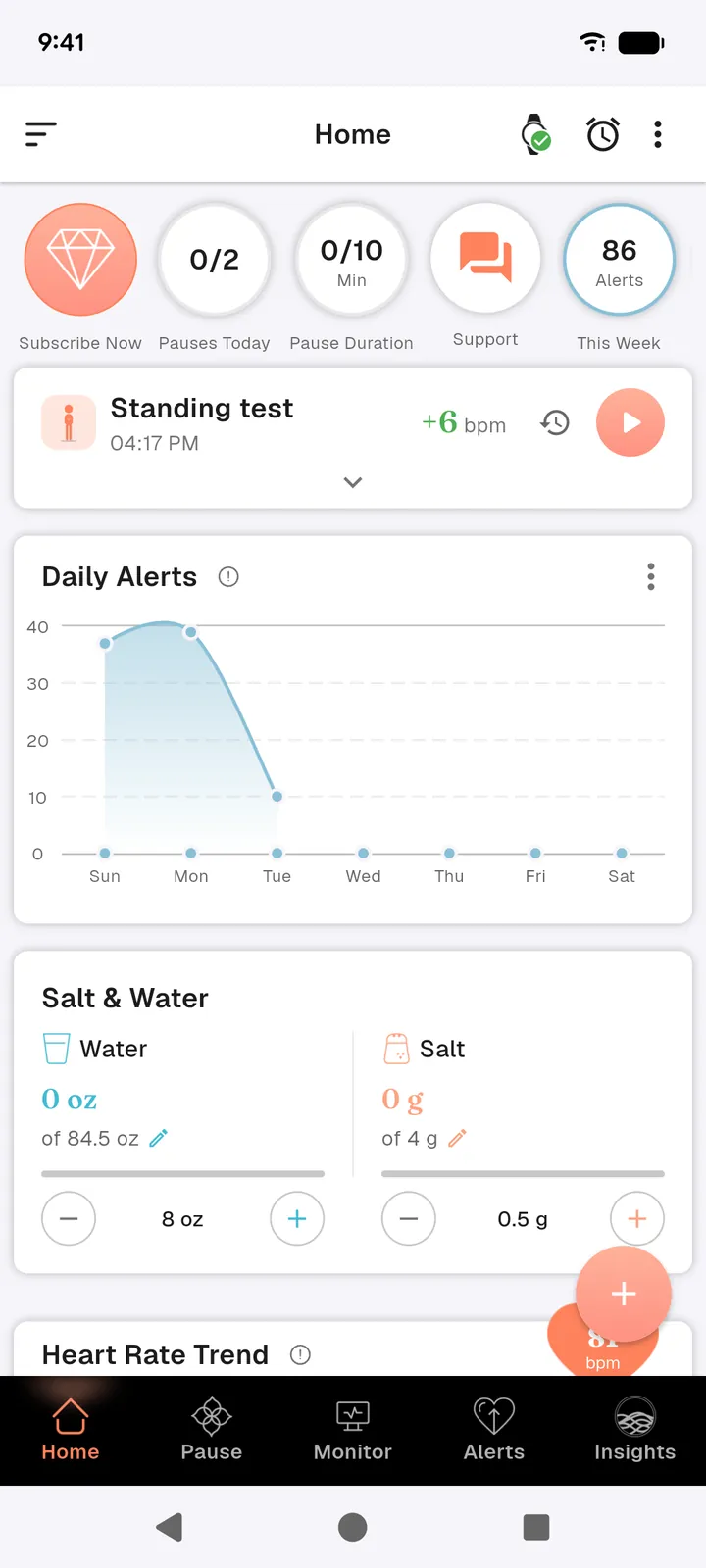
- Wait for the page to load, then tap Subscribe Now at the bottom.
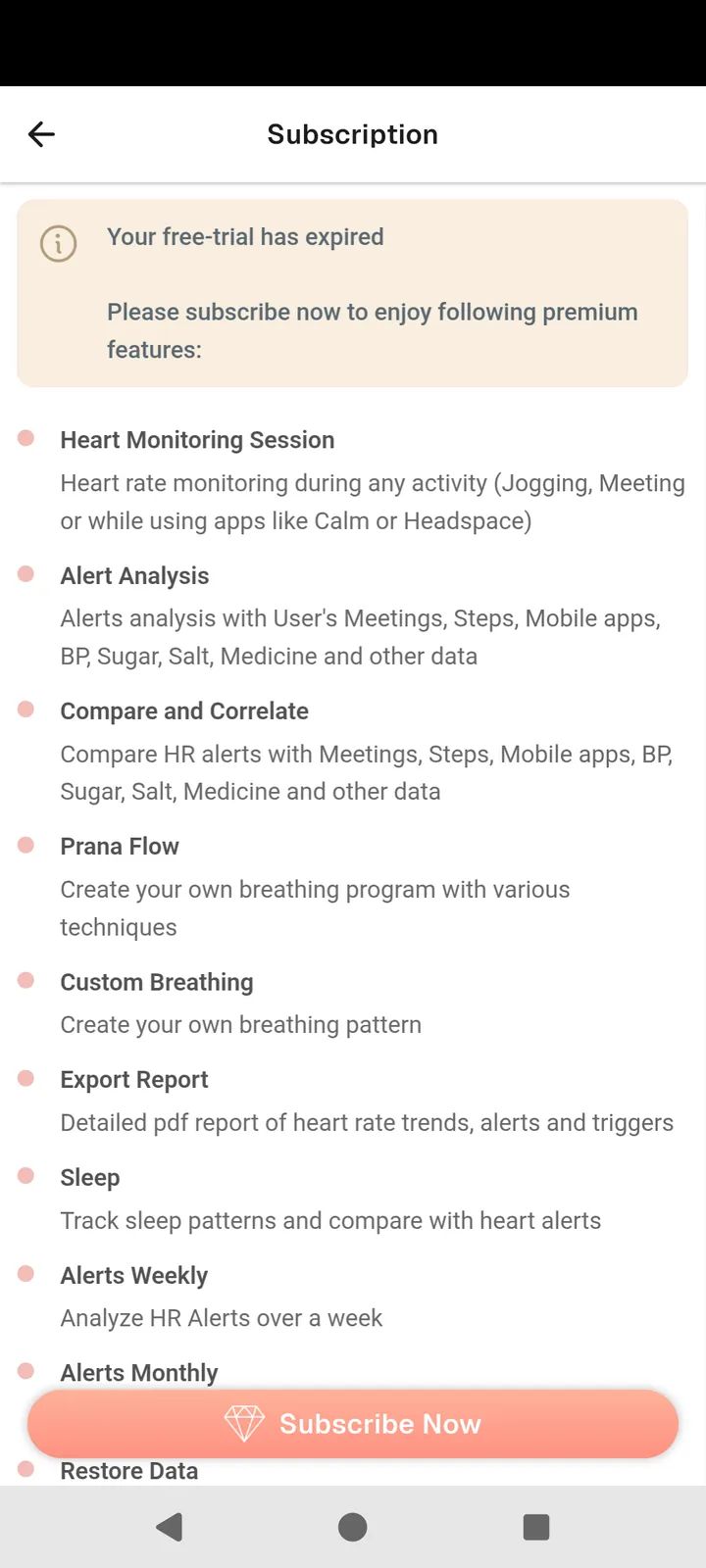
- In Select subscription plan, tap Yearly or Monthly. Each shows its price per year or per month. Yearly is selected first.

- Tap Continue As Yearly or Continue As Monthly.
- Confirm the payment in the Google Play or App Store window that opens.
When the purchase goes through, Pauser opens your plan’s page.
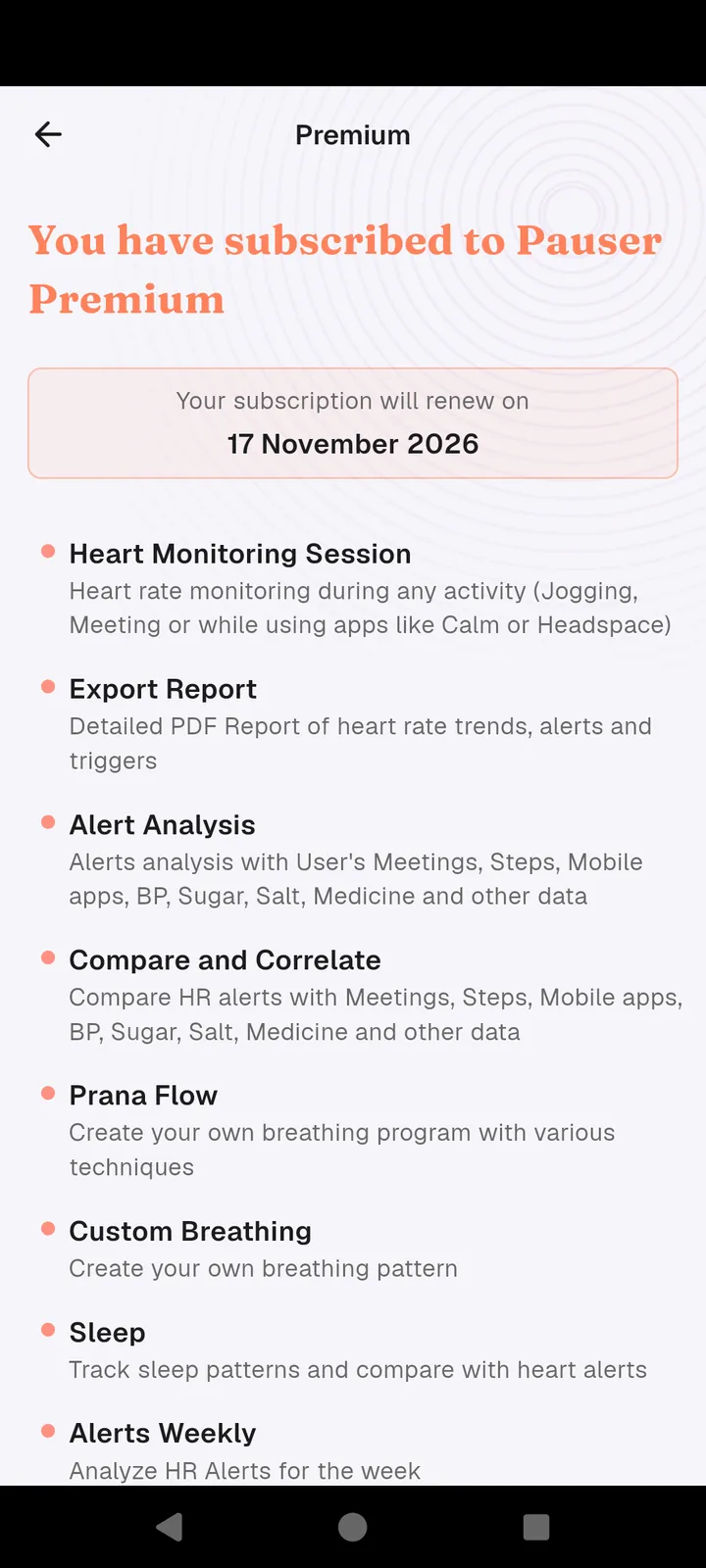
Good to know:
- You need an internet connection. Offline, Pauser shows You’re offline.
- If you already have a paid plan, the subscription page opens your plan’s page instead, so you can’t buy twice by mistake.
- If a plan shows a Free Trial tag, see Is there a free trial?
Still stuck? Tap Support at the top of Home, or open the menu and tap Message us. You can also email support@pauser.health.