
What you get
Real screens from the app.


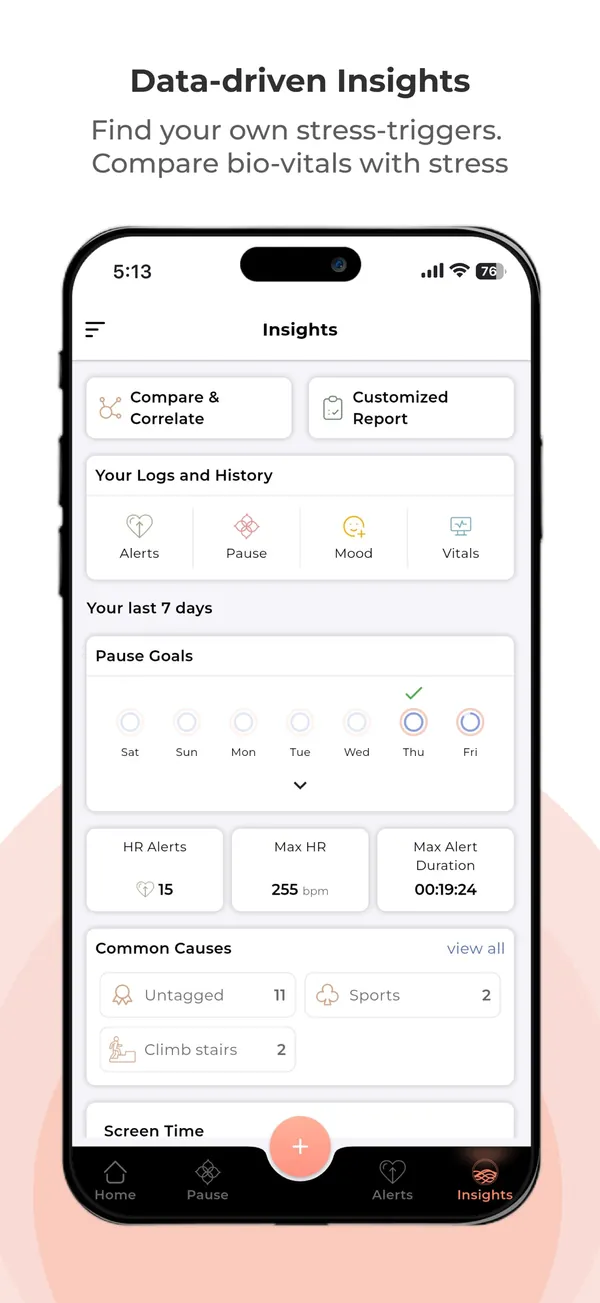
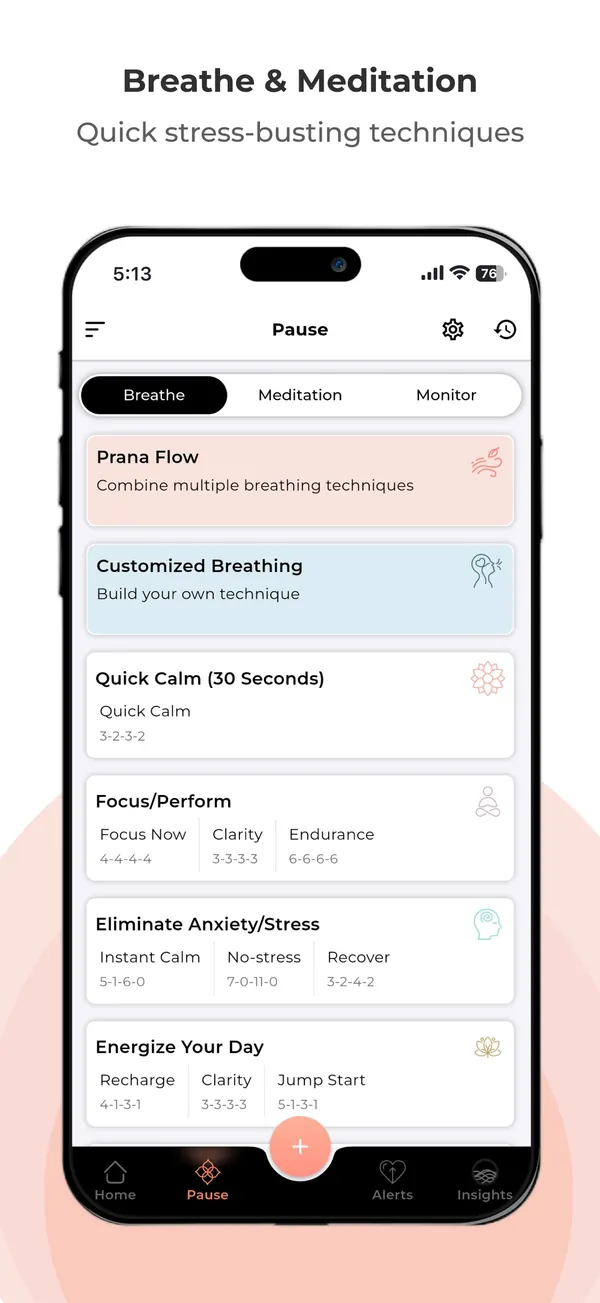
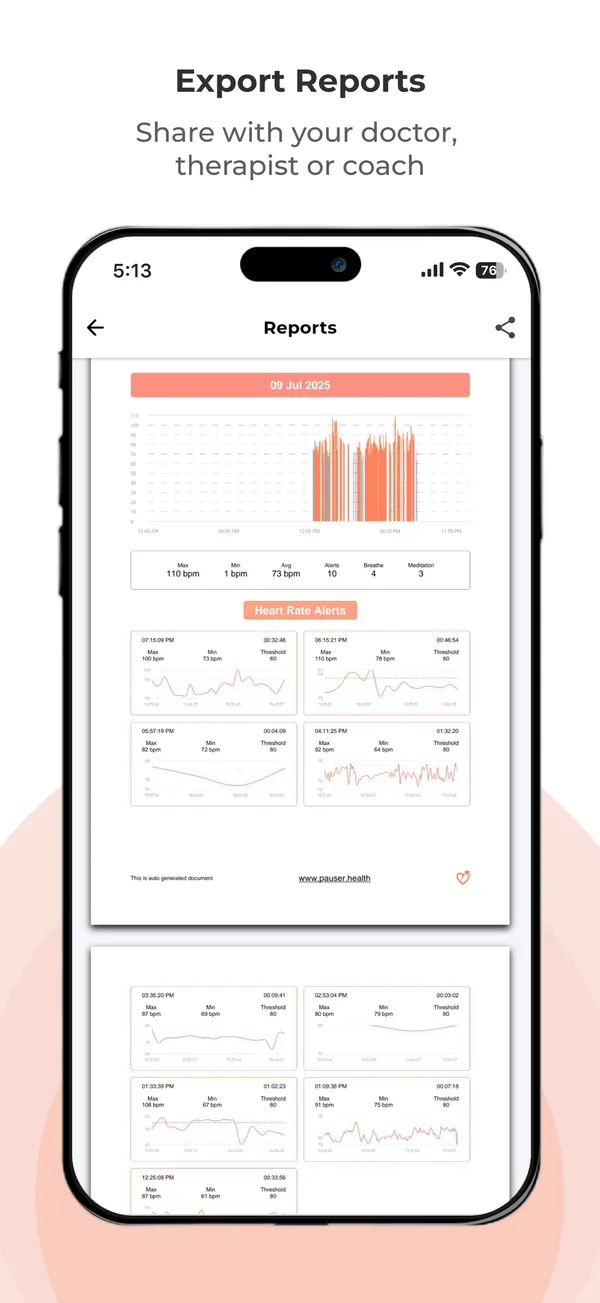
Pauser is a heart rate monitor and symptom tracker app for iOS, Android and Wear OS, built for people with POTS, dysautonomia, Long COVID and ME/CFS. It sends wrist alerts when heart rate crosses limits you set, records a sit-to-stand heart rate test, tracks symptoms and triggers, and shows your heart rate on a live graph during guided breathing and meditation. It is a wellbeing app, not a medical device.

On a computer? Scan this with your phone camera to open this page and install Pauser.
Watch requirements
- iPhone: iOS 15.5 or later, with an Apple Watch on watchOS 8 or later.
- Android: an Android phone with a Wear OS 3+ watch, such as Galaxy Watch 4 or newer or Pixel Watch.
See Pauser on Wear OS for the full list and setup steps.
What works without a watch
Feature
With an Apple Watch or Wear OS 3+ watch
Phone only
Background heart rate monitoring
Yes
No
Wrist alerts for high and low limits
Yes
No
Standing Check (sit-to-stand heart rate test)
Yes
No
Activity Monitor and heart rate ceiling
Yes
No
Live heart rate graph during pauses
Yes
No
Guided breathing and meditation
Yes
Yes, without the live graph
Logging salt, water, blood pressure, glucose, medicines, symptoms
Yes
Yes
Flare-up and trigger tags
Yes
Yes
PDF reports
Yes
Yes
Supported watches: Apple Watch (watchOS 8 or later, paired to an iPhone on iOS 15.5 or later) and Wear OS 3+ watches such as Galaxy Watch 4 or newer and Pixel Watch.
Set up in five steps
- Install the app.Use the App Store or Google Play button above.
- Create your account.Tell Pauser what you want to track so the dashboard starts with the right cards.
- Add the watch app.Follow the prompt to install Pauser on your Apple Watch or Wear OS watch and allow heart rate access.
- Connect your health data.Allow Apple Health or Health Connect so sleep, steps and vitals appear next to your alerts.
- Set your limits and take your first pause.Enter a high and a low heart rate limit, then try a 30-second Quick Calm to see the live graph.