
The POTS layout is a Home screen arrangement that puts the cards most used for POTS at the top. You can switch between it and the Personal layout from the menu at any time.
What the POTS layout changes:
- Home starts with the Standing test card, then Daily Alerts, a combined Salt & Water card, Heart Rate Trend, Recent HR Alert, Today’s Medicine Schedule and Blood Pressure.
- Quick Add (the + button on Home) starts with Water and Salt.
- The separate Salt and Water cards are replaced by the combined card.

You first see this choice on Choose your dashboard during setup, when you pick POTS / Dysautonomia. POTS layout is preselected there.

To switch from the menu:
- Open the menu (top left of Home).
- Tap Switch to POTS Mode or Switch to Personal Mode.
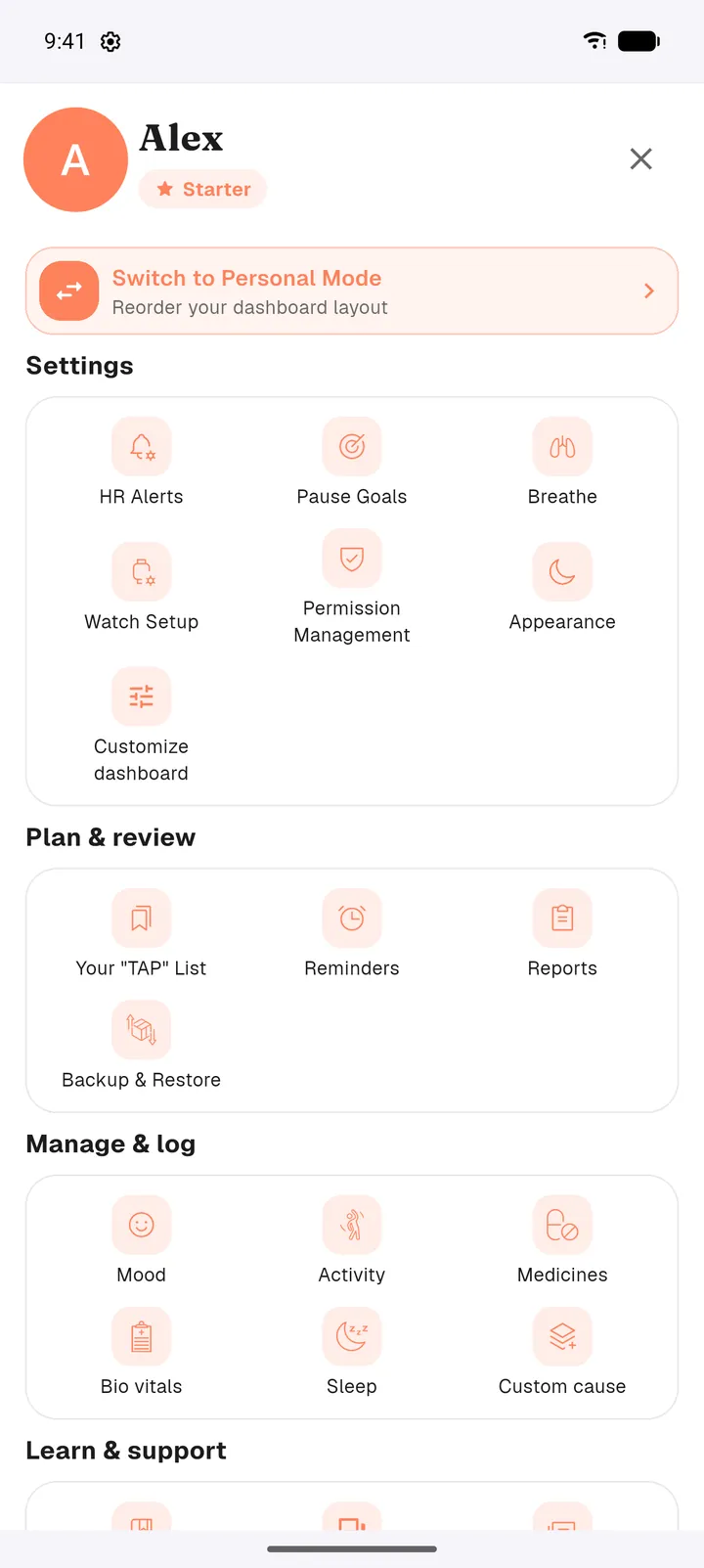
This also adds POTS / Dysautonomia to your profile, or removes it.
To switch in Settings (if POTS / Dysautonomia is on your profile):
- Open the menu and tap Appearance.
- Under Dashboard layout, tap POTS layout or Personal layout.
Good to know: each layout keeps its own card order and hidden cards. To change them, see How do I rearrange or hide cards on my Home screen?
Still stuck? Tap Support at the top of Home, or open the menu and tap Message us. You can also email support@pauser.health.