
The share and download buttons on a report’s preview only appear when your plan includes the report preview. If it doesn’t, the buttons are hidden and the preview is locked.
What to check:
- Look at your plan: open the menu and tap the plan badge under your name.
- If your plan was just upgraded, the buttons appear on their own once Pauser has your updated plan.
- If you’re looking in Reports, the Share and Download options are under ⋮ next to each report, not at the top of the screen.
Good to know:
- If the buttons are there but nothing happens, the report may still be building. Pauser says “Please wait while report is generated”. Wait for the preview to finish loading, then try again.
- When your plan doesn’t include reports, the + button and the bin icon in Reports are hidden too, and a lock panel covers the screen.
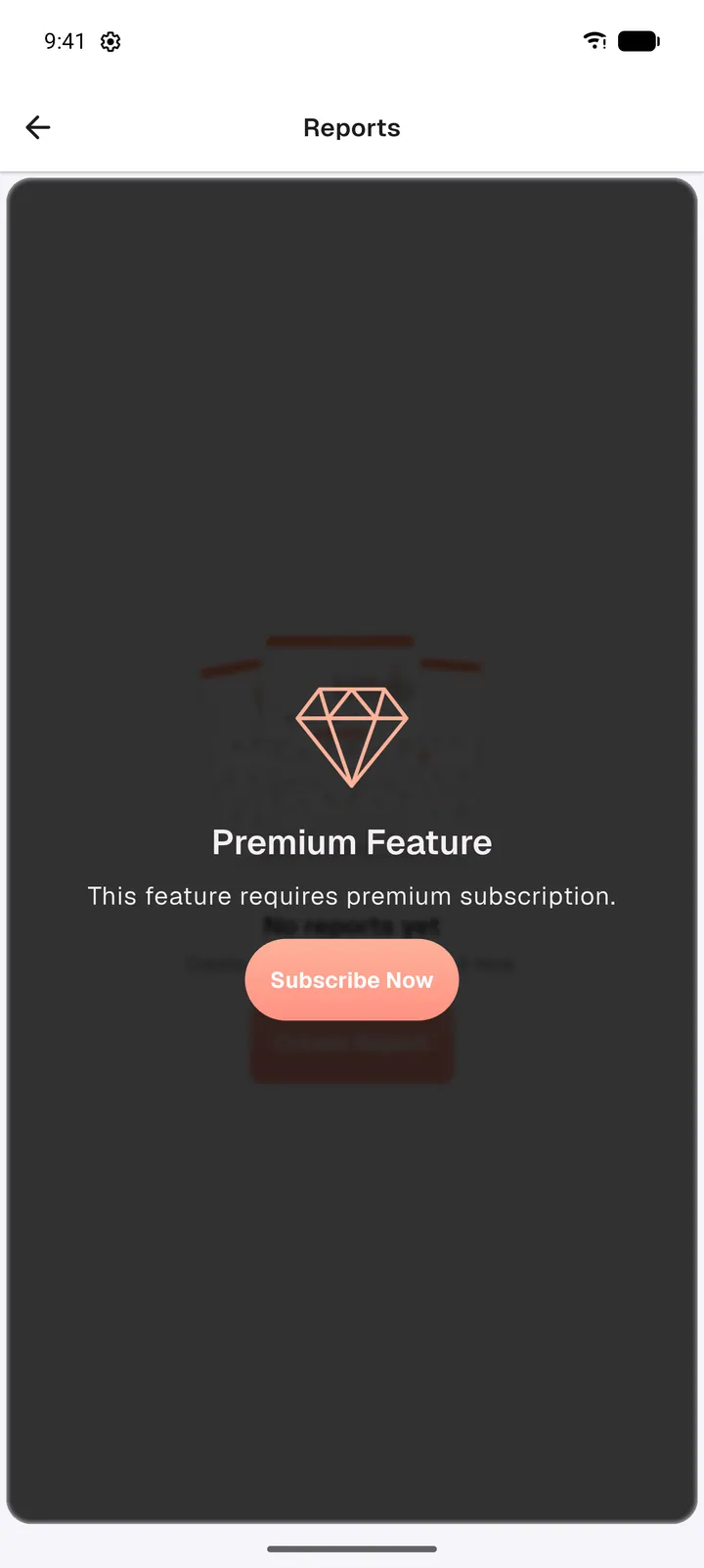
Some features depend on your plan. To see what yours includes, open the menu and tap the plan badge under your name.
Still stuck? Tap Support at the top of Home, or open the menu and tap Message us. You can also email support@pauser.health.