
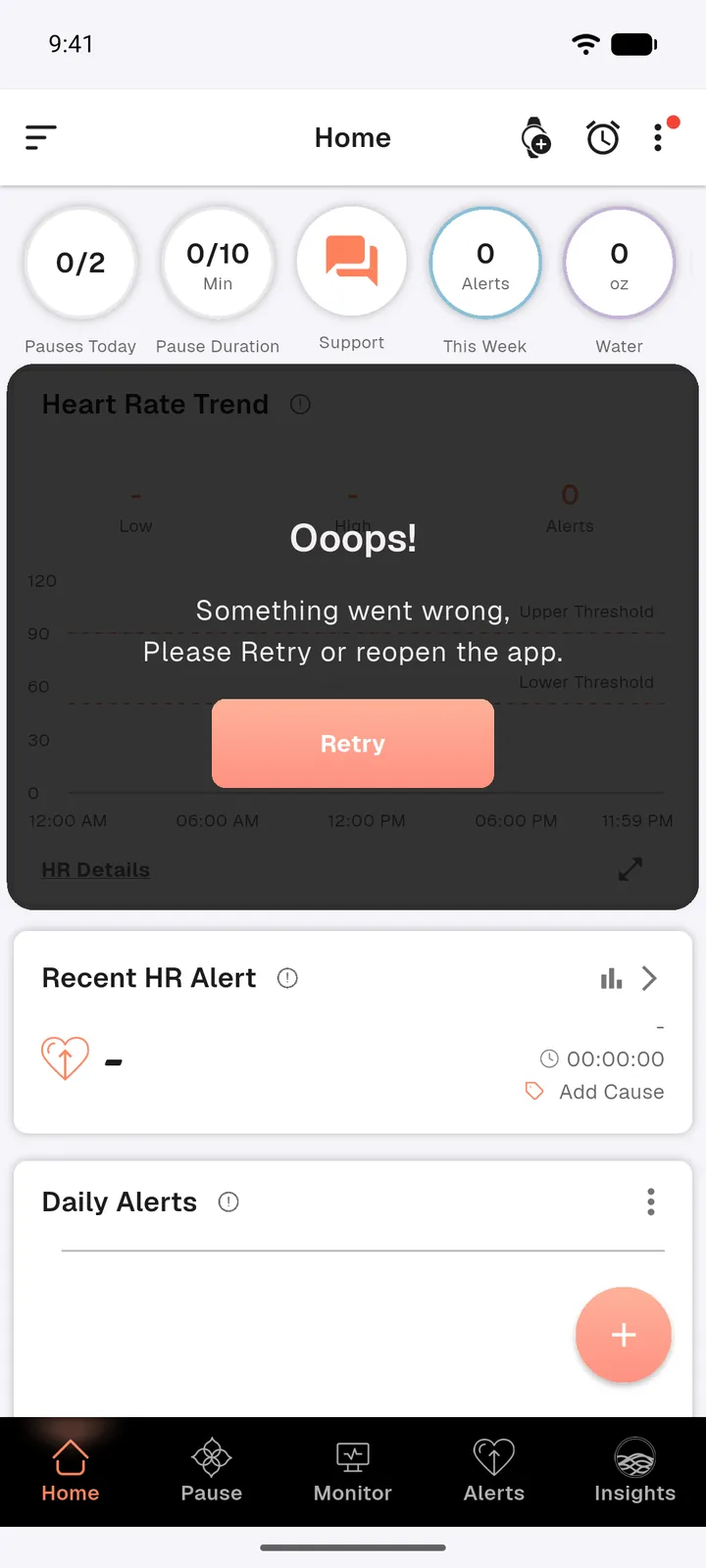
This Ooops! screen appears when Pauser doesn’t have your plan details yet, so it can’t tell whether this feature is open to you. It usually happens when Pauser couldn’t reach the internet while loading your plan.
- Check that you’re connected to Wi-Fi or mobile data.
- Tap Retry on the screen.
- If it’s still there, close Pauser fully and open it again while you’re online.
Good to know:
- Once Pauser has loaded your plan, it keeps a copy, so later offline use doesn’t bring this screen back.
- Some features depend on your plan. To see what yours includes, open the menu and tap the plan badge under your name.
Still stuck? Tap Support at the top of Home, or open the menu and tap Message us. You can also email support@pauser.health.