
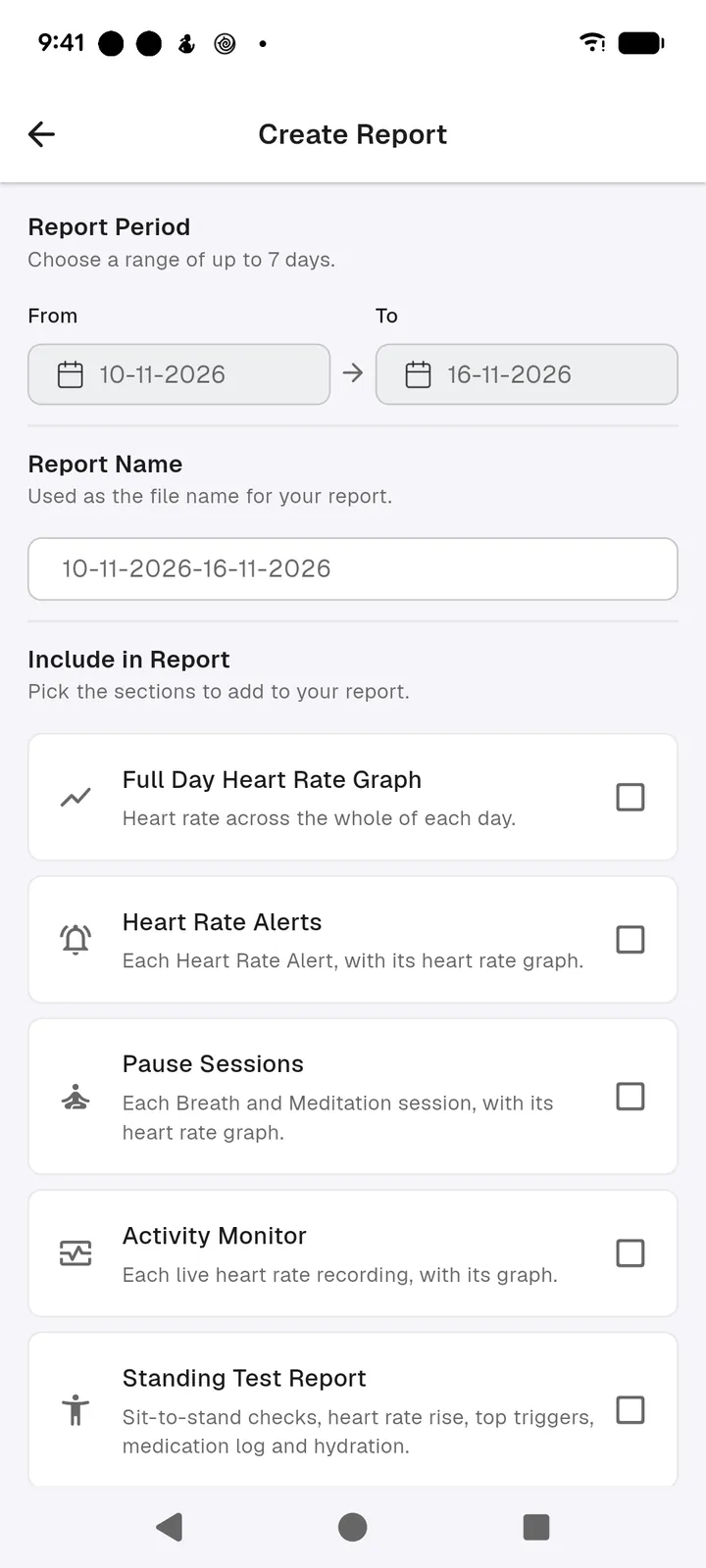
Each Wellness Report covers at most 7 days in a row, counting the first day. On Create Report this is shown as “Choose a range of up to 7 days.”, and the To calendar only lets you pick days inside that window.
To cover a longer stretch:
- Create one report for the first 7 days.
- Create another for the next 7 days, and so on.
- Share or download them together (see “How do I download or share a report?”).
Good to know:
- The window starts from your From date. For example, from the 1st you can pick any end date up to the 7th.
- The end date can’t be later than today.
- Choosing a new From date resets To to that same day, so pick From first.
- Giving each report a clear Report Name makes a set of weekly reports easier to tell apart.
Some features depend on your plan. To see what yours includes, open the menu and tap the plan badge under your name.
Still stuck? Tap Support at the top of Home, or open the menu and tap Message us. You can also email support@pauser.health.