




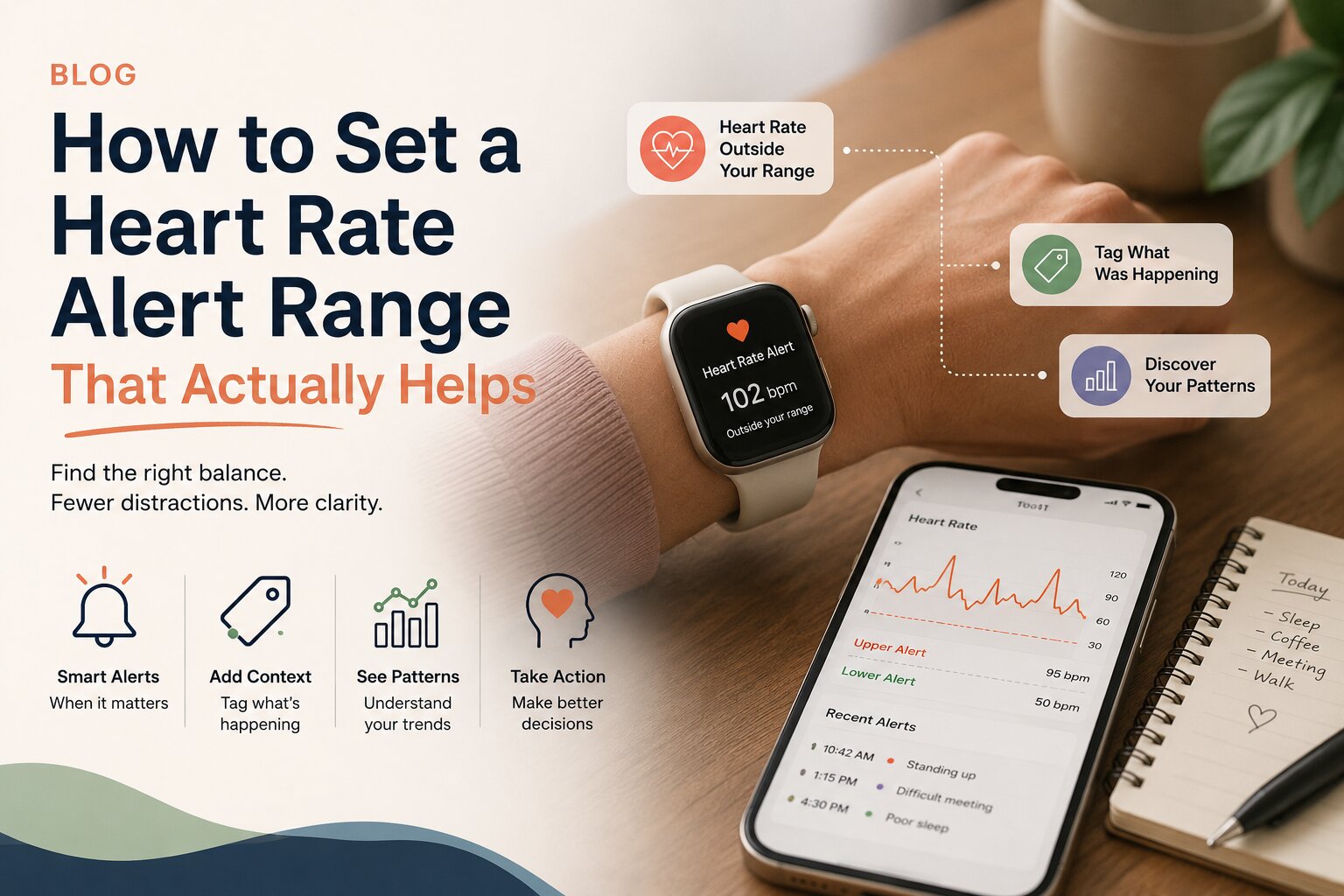
A good alert range is quiet most of the day and useful when it is not. Here is how to pick a starting point, then refine it with what you learn.
Most wearables can tell you that your heart rate went up. Fewer things help you notice what was happening around you at the time. That gap is where a lot of guesswork lives.
In Pauser, your alert range is the setting that decides when the app steps in. Set it too tight and your phone buzzes through a normal afternoon. Set it too loose and the moments you wanted to catch pass by unnoticed. The goal is a range that stays out of your way and speaks up when something is worth a second look.
What the alert range actually does
You choose an upper number and a lower number, for example 50 to 95 bpm. When your heart rate moves outside that window, Pauser sends a notification. The notification is a prompt, not a verdict. It invites you to tag what was going on: standing up, a difficult meeting, a hot room, poor sleep the night before, a coffee, a walk to the mailbox.
Over time those tags build a history you can browse and compare. Pauser does not tell you what caused a reading. It gives you the reading and the context side by side so you can spot your own patterns.
Why there is no correct number
Resting heart rate varies widely between people, and it shifts with sleep, hydration, temperature, activity, medication, illness, and stress. A number that is completely ordinary for one person is unusual for another. That is why Pauser asks you to choose rather than applying a default and treating it as truth.
If you are pacing around a condition such as POTS or another form of dysautonomia, you may already have a sense of where your day starts to feel different. That lived knowledge is a better starting point than any generic figure.
A simple way to choose your starting range
- Expect to be wrong the first time. Almost everyone adjusts in the first week. That is the process working, not a mistake.
- Set the lower number with the same logic. Slightly below where you usually sit at rest, so genuine dips stand out from ordinary quiet moments.
- Set the upper number just above your ordinary. Not above your maximum, and not at the level you only reach on your hardest days. Just above the range that a normal day covers.
- Watch first, set second. Give yourself two or three ordinary days with your wearable on. Note roughly where your heart rate sits when you are resting, and where it tends to land during normal movement.
A useful test: if you are getting more than a handful of alerts on a routine day, your range is probably too narrow. If a week goes by with nothing at all, and your days have not been uniformly easy, it is probably too wide.
Where to change it
You can adjust your range at any time. Nothing is locked in at setup.
- iPhone: open Settings, then Alerts, and edit your upper and lower numbers. Pauser reads heart rate through Apple Health and your paired Apple Watch.
- Android: open Settings, then Alerts, and edit your upper and lower numbers. Pauser reads heart rate through Health Connect, which supports Garmin, Wear OS, Samsung, Xiaomi, and Amazfit devices.
The part that makes the range worth having
An alert on its own is just a number crossing a line. What turns it into something useful is the few seconds you spend tagging what was happening.
Keep the tags honest and small. You do not need a paragraph. Standing. Shower. Rushed lunch. Bad night. Long call. Those short notes are what you will scroll back through later, and they are what turn scattered readings into something with shape.
If you cannot tag it in the moment, tag it later. If you miss it entirely, let it go. Pauser is built to be picked up and put down, not to be kept up with.
What to look for after a week or two
Once you have a stretch of tagged moments, browse them together rather than one at a time. You are looking for repetition, not proof.
- Times of day that show up more than others
- Contexts that appear again and again next to similar readings
- Days that look different, and what those days had in common
None of this is a diagnosis and none of it is a conclusion. It is a record of what your body did and what your day looked like when it happened. That is the kind of thing worth bringing to a conversation with a healthcare professional, and the kind of thing that is very hard to reconstruct from memory alone.
A note on frequency
If alerts start to feel like pressure rather than information, widen the range. There is no score to protect and no streak to break. A quieter setting that you keep using is worth far more than a sensitive one you end up muting.