
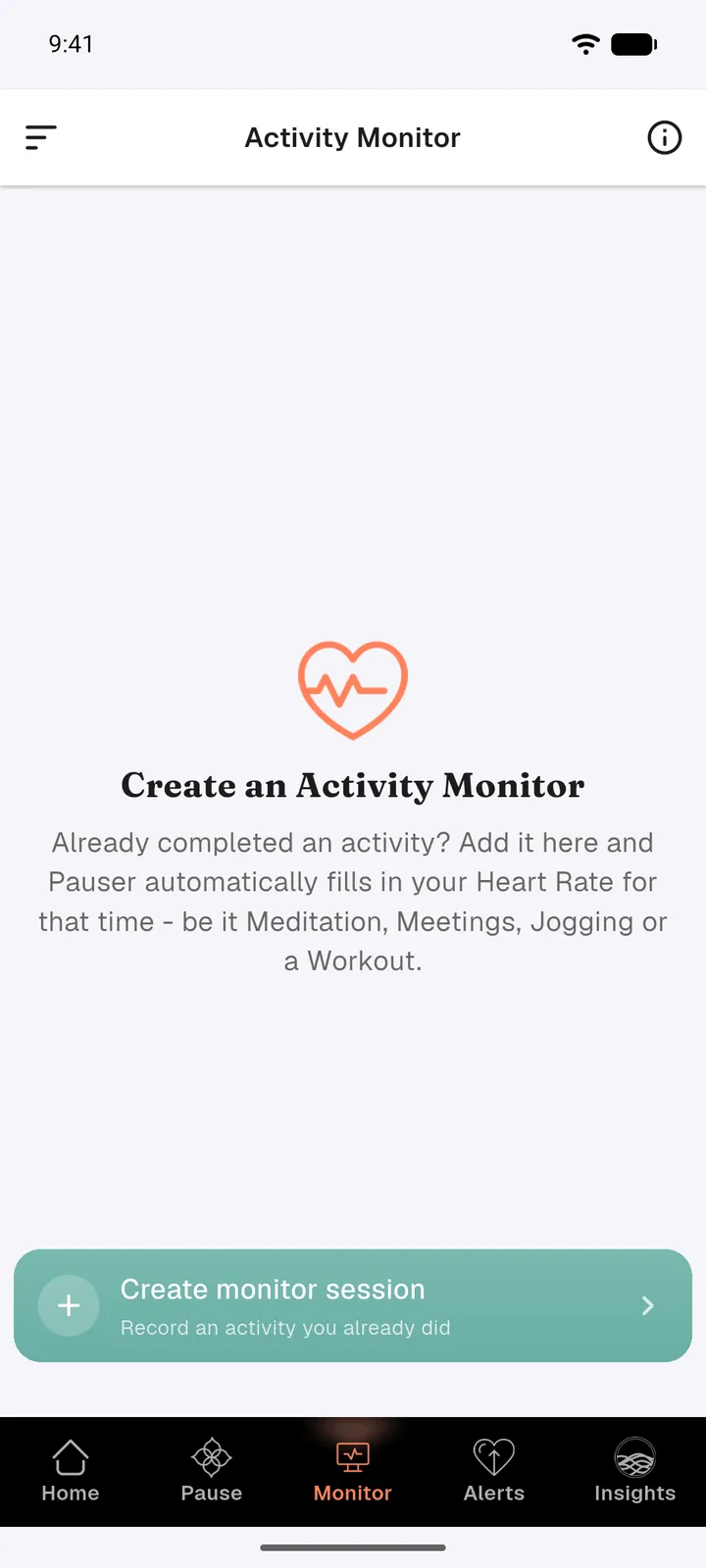
Yes, for something you have already done. When no Pauser watch is set up, the Monitor tab offers Create monitor session, which builds a session from heart rate Pauser already has for that time, for example from Apple Health or Health Connect.
- Open the Monitor tab.
- Tap Create monitor session (“Record an activity you already did”).
- Tap Select workout and pick an activity, or Other to type a name.
- Set the Date, Start Time and End Time.
- Look at Heart rate readings to see how many readings that time holds.
- Tap Save.
If it will not save
- No heart rate data found for this time range: Pauser has no readings for that time yet. Open Pauser so it can sync, then try again.
- Please choose a time in the past: the end time is later than now.
- End time must be after start time: move the end time later.
- A session already exists at that start time: you already have a session that starts then. Check the list in the Monitor tab.
Good to know
- Live recording, with heart rate shown as it happens, needs a Pauser watch set up.
Some features depend on your plan. To see what yours includes, open the menu and tap the plan badge under your name.
Still stuck? Tap Support at the top of Home, or open the menu and tap Message us. You can also email support@pauser.health.