
Your phone has stopped getting heart rate from your watch for a short while, about 15 seconds on Android and 30 seconds on iPhone. The session keeps running, and the message goes away when readings arrive again.
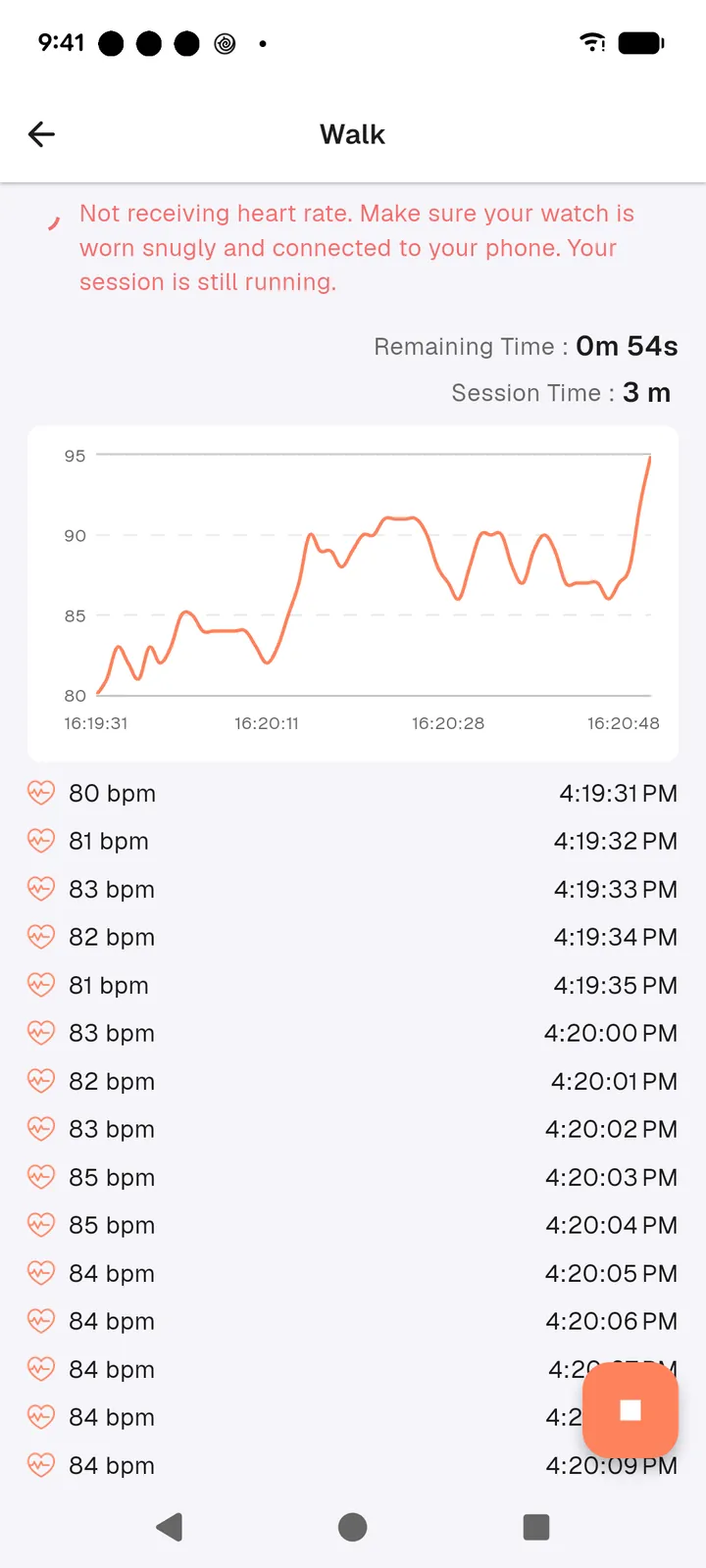
What to check
- Make sure the watch sits snugly on your wrist.
- Keep Bluetooth on and the watch close to your phone.
- On iPhone: make sure Heart Rate and Workout access is allowed for Pauser in the Health app. Tap What to check under the message for more tips, such as Unlock your watch and Open Pauser on your watch.
- On Android: make sure your Wear OS watch is connected to your phone.
If no heart rate arrives at all
If the watch sends nothing from the start, the session ends with No heart rate received (Android) or No Heart Rate Detected (iPhone), and nothing is saved. Fix the checks above, then start again from your watch, or tap Retry to start from your phone.
Still stuck? Tap Support at the top of Home, or open the menu and tap Message us. You can also email support@pauser.health.