
Wear your watch with the Pauser app, open Standing test, sit and tap start, then stand when Pauser tells you to. With the default times it takes about 5 minutes.
- Open the check: on Home (POTS layout) tap Start standing check or the play button on the Standing test card. In the Personal layout, open the menu and tap Standing test.

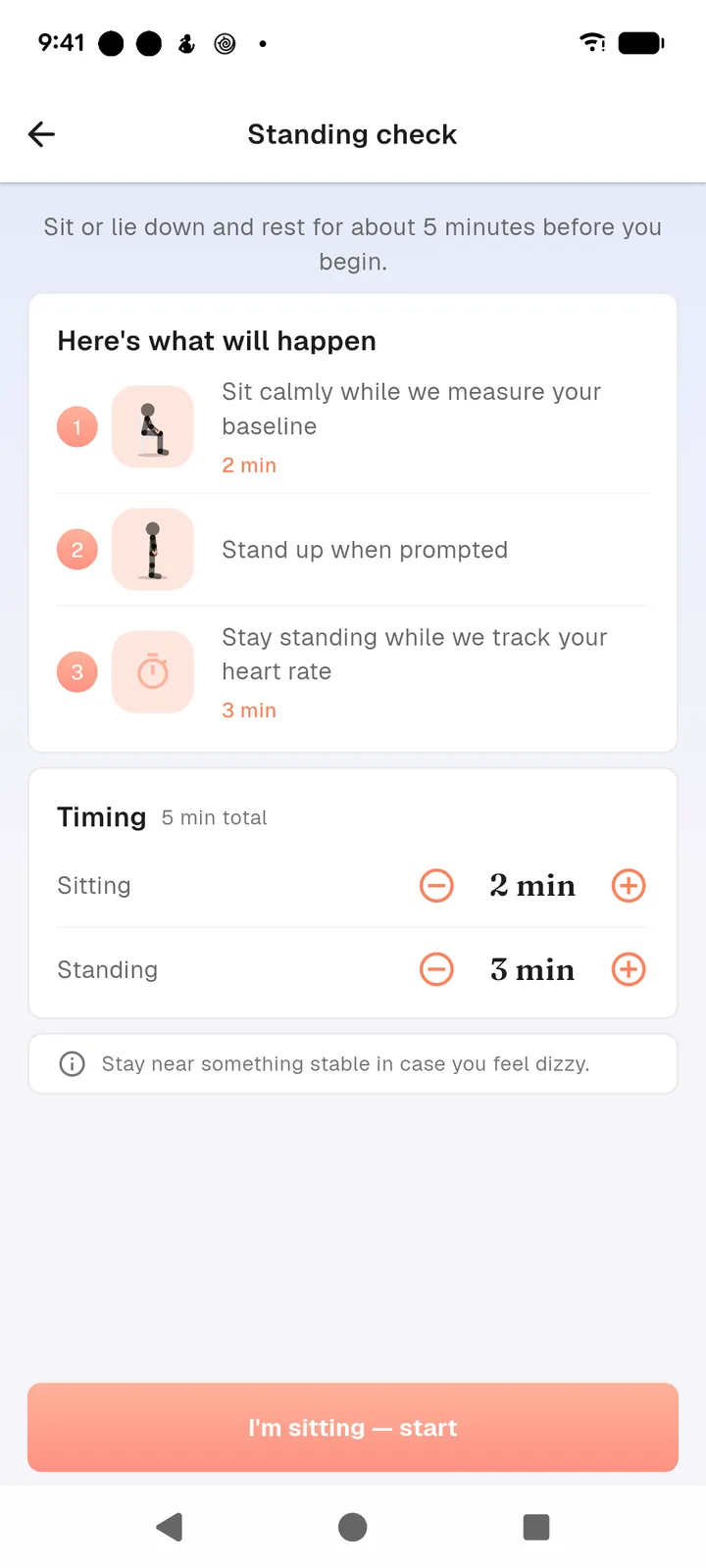
- Read the screen. It suggests you Sit or lie down and rest for about 5 minutes before you begin. Check the sitting and standing times under Timing.
- While sitting, tap the start button at the bottom (it begins I’m sitting).
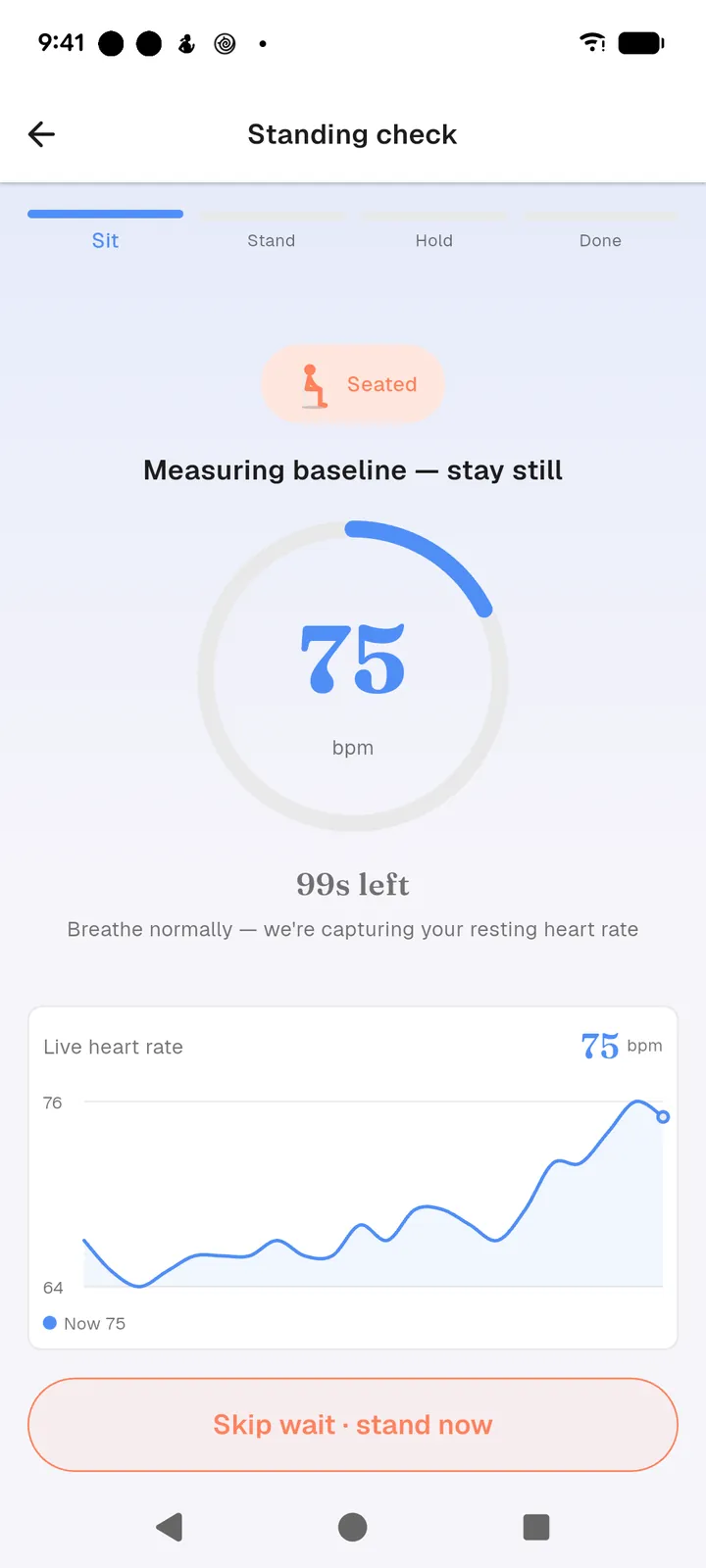
- Pauser shows Connecting to your watch… until the first heart rate reading arrives, then the sitting countdown starts. Stay still. If you have already rested, you can tap Skip wait · stand now.
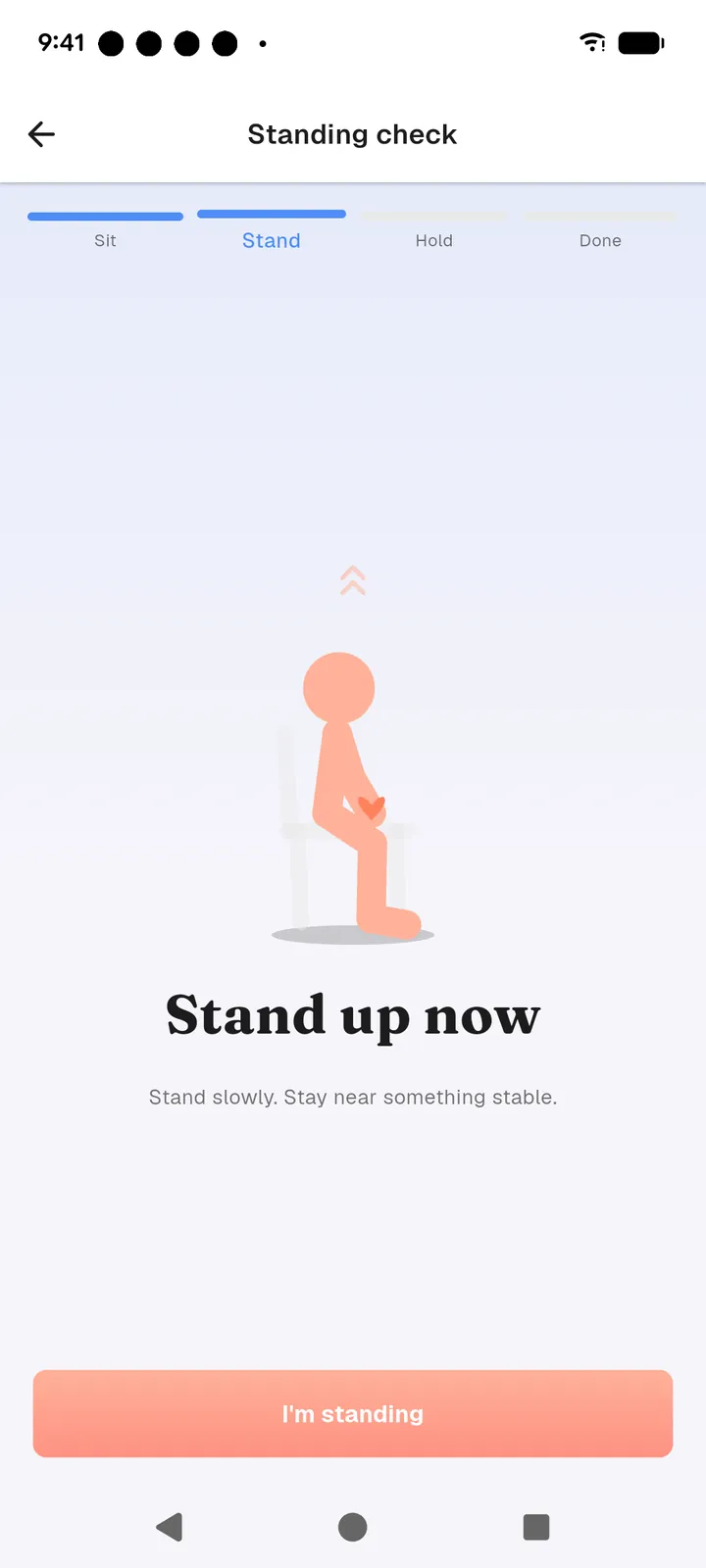
- When you see Stand up now, stand slowly and tap I’m standing.
- Stay standing until the countdown ends. If you need to stop, tap I need to sit down · end test. Pauser saves what it measured (see Why does my result say “Ended early” or “Incomplete”?).
- On Standing check result, leave Add to report on if you want this check in your report, then tap Done. To understand your numbers, see What do baseline, peak and rise mean in my result?

Good to know:
- The app reminds you: Stay near something stable in case you feel dizzy.
- If you leave with the back button while measuring, Pauser asks End standing check? Tapping I need to sit down · end test in that message leaves without saving the check.
- You can also start a check from the watch (see Can I do a Standing Check from my watch?).
Some features depend on your plan. To see what yours includes, open the menu and tap the plan badge under your name.
Pauser shares wellness insights, not medical advice. If you have questions about your readings or how you feel, talk to your clinician.
Still stuck? Tap Support at the top of Home, or open the menu and tap Message us. You can also email support@pauser.health.