
Yes. The Pauser app on a Wear OS watch and on an Apple Watch can run the Standing Check on its own, and the result is sent to Pauser on your phone. The watch uses the sitting and standing times of the last check you started on your phone, or 2 and 3 minutes if you haven’t changed them.
On a Wear OS watch:
- Open Pauser and tap Standing Test.
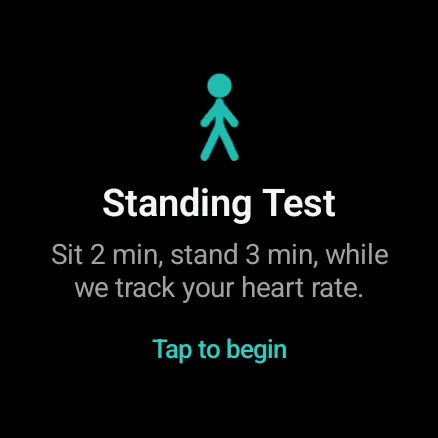
- Sit down, then tap anywhere on the screen (Tap to begin).
- Wait for your heart rate, then stay seated during Sit & relax. Tap Skip to stand if you have already rested.
- At Stand up now, stand and tap I’m standing.

- Stay standing until the countdown ends, or tap End to stop.
- Read your result, tap Continue, then answer Add this to your doctor report? with Yes or No.

On an Apple Watch:
- Open Pauser and tap Standing Check.
- Sit down and tap the start button (it begins I’m sitting).
- Stay seated during Sit still. Tap Skip wait · stand now if you have already rested.
- At Stand up now, stand and tap I’m standing.
- During Keep standing, stay up until the countdown ends, or tap I need to sit down · end test.
- Your result shows Sitting, Standing peak and Time to peak. Tap Done.
Good to know: watch checks appear in your phone’s Standing Check history marked Recorded from watch.
Some features depend on your plan. To see what yours includes, open the menu and tap the plan badge under your name.
Pauser shares wellness insights, not medical advice. If you have questions about your readings or how you feel, talk to your clinician.
Still stuck? Tap Support at the top of Home, or open the menu and tap Message us. You can also email support@pauser.health.