
Yes, most setup steps can be skipped, and you can finish each one later from the menu. If you close Pauser partway through setup, it picks up at the first step you haven’t finished.
What you can skip:
- The intro slides: tap Skip, then Skip anyway.
- What are you managing these days?: tap Skip for now.
- Heart rate access: if access is off or no data is found, tap Skip for now on the next screen.
- Notifications: tap Skip for now.
- Your watch: tap Continue without watch, or Skip for now on the watch setup screen.
The alert range step has no skip, but you can change your limits any time.
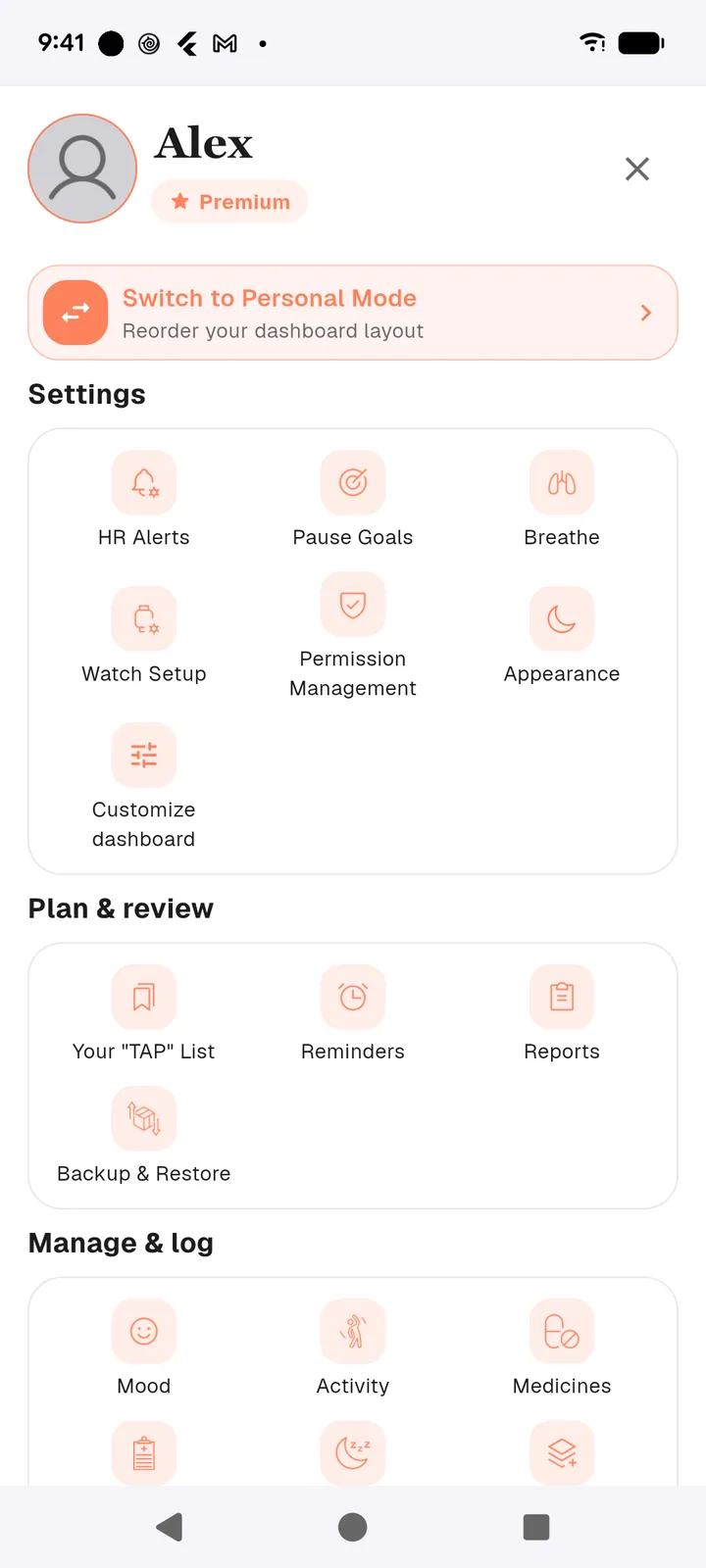
Where to finish later (open the menu first):
- What you’re managing: tap your name to open your Profile.
- Alert limits: tap HR Alerts.
- Heart rate access and notifications: tap Permission Management.
- Watch: tap Watch Setup.
Still stuck? Tap Support at the top of Home, or open the menu and tap Message us. You can also email support@pauser.health.