
Use the + button at the bottom right of Home. It opens the Quick Add panel (“Log something in a tap”), where one tap takes you to the right place to log.
- Open Home.
- Tap + at the bottom right.
- Tap what you want to log.
What the panel shows depends on your Home layout:
- Standard layout: Add/Log Medicine, Add Bio-Vitals, Tag Alerts, Add Mood, Add Activity.
- POTS layout: Water and Salt come first, then the same five tiles.
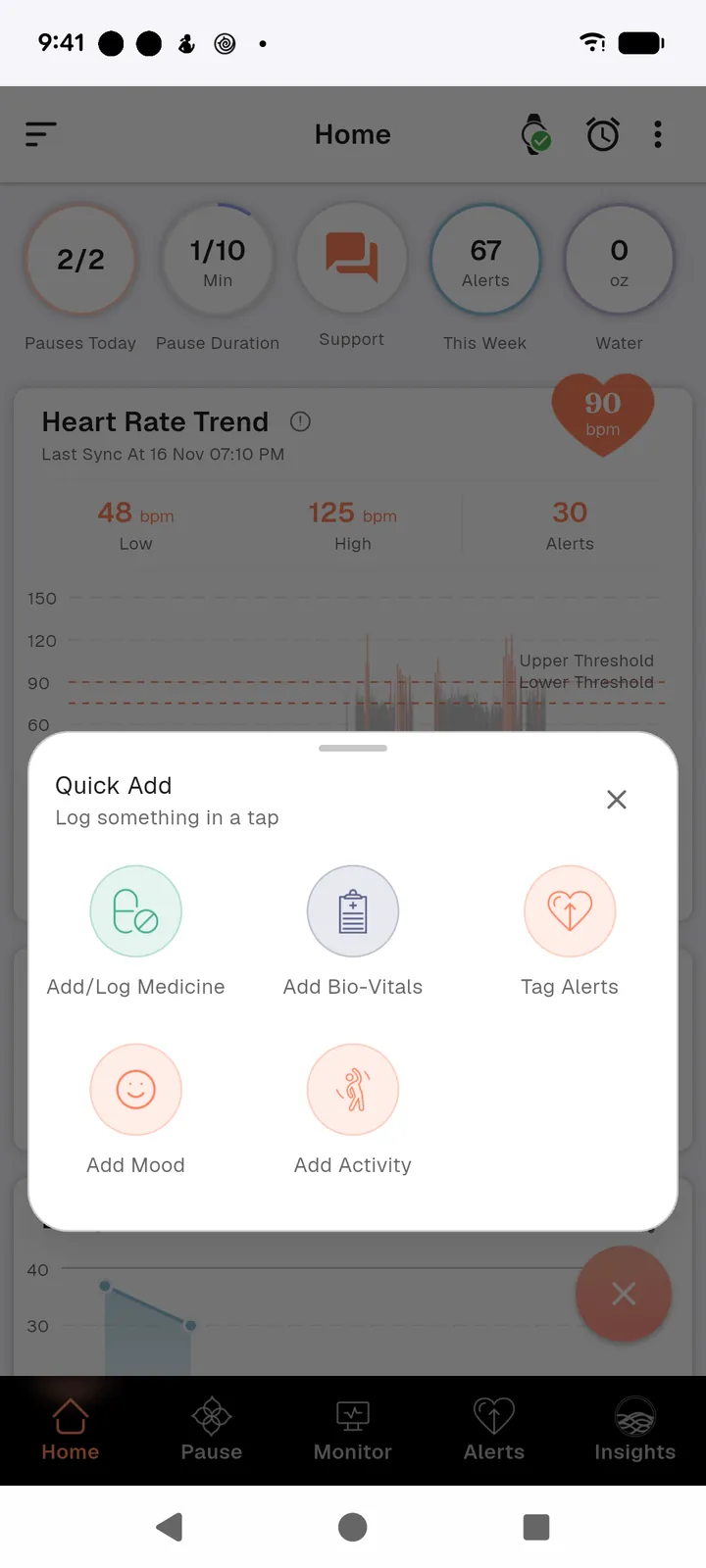

Water and Salt open a small sheet where you set an amount and tap Save, without leaving Home. The other tiles open their full screen or sheet.
Good to know:
- The + button only appears on the Home tab.
- To close the panel without logging, tap + again (it turns into an ×) or the × in the panel.
- Switching between the Standard and POTS layouts changes the panel the next time you open it.
Some features depend on your plan. To see what yours includes, open the menu and tap the plan badge under your name.
Still stuck? Tap Support at the top of Home, or open the menu and tap Message us. You can also email support@pauser.health.