
Most things can be logged from Home in one to three taps, without opening a full screen. Here are the shortest paths Pauser has today.
An as-needed medicine (1 tap): on the Today’s Medicine Schedule card on Home, tap Take now next to the medicine. Pauser records it at the current time.
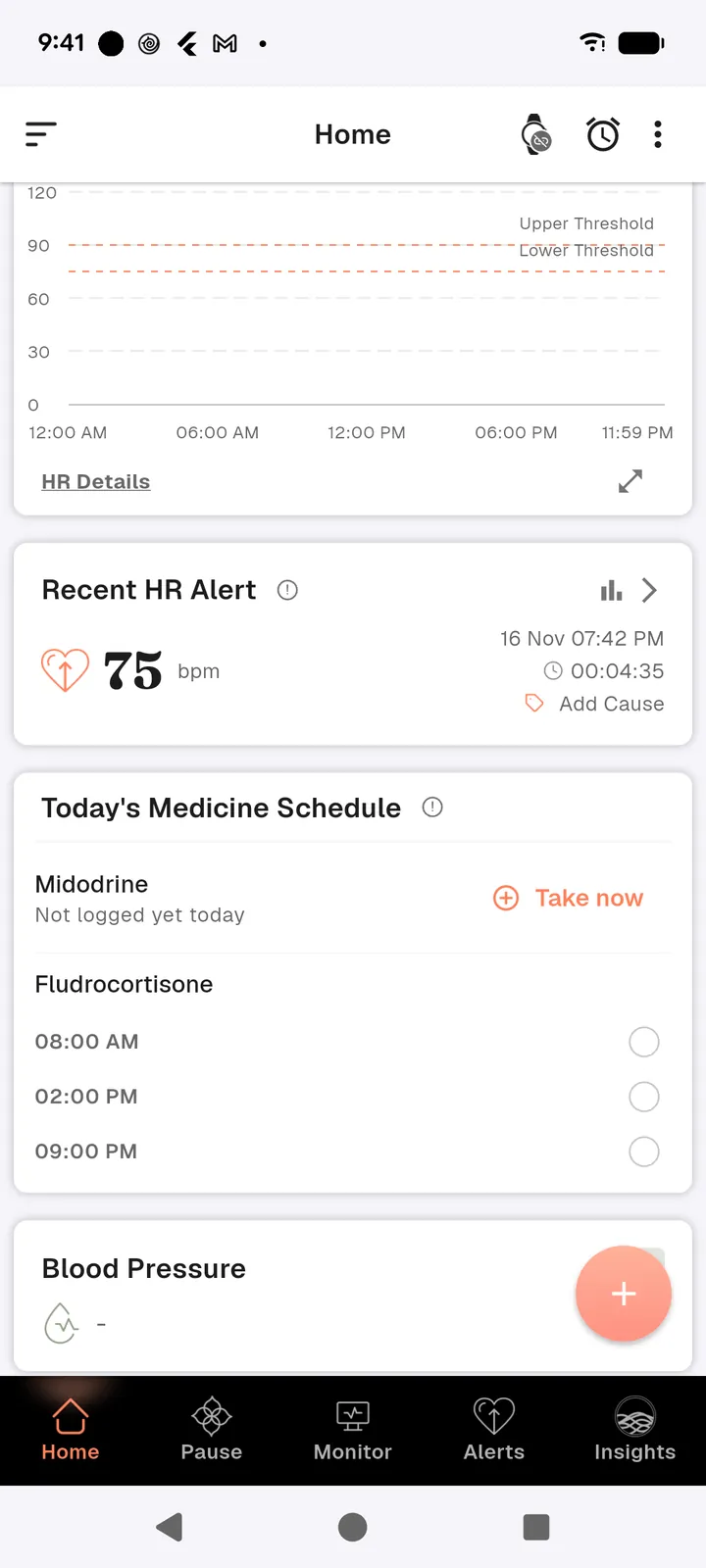
Water or salt (3 taps, POTS layout): tap + at the bottom right of Home, tap Water or Salt, then tap Save. The amount starts at what you last logged today, so you often don’t need to change it.
Water or salt from the card (1 tap, POTS layout): on the Salt & Water card, tap + under Water or Salt to add one serving. The minus button removes the last entry you made today (Pauser asks first).

From your watch: if you use Pauser on a Wear OS watch or Apple Watch, you can tag a Heart Rate Alert straight from the watch. See “How do I tag an alert from my watch?”
Good to know:
- The water, salt and Take now shortcuts save the current time. To record something from earlier, use the full screen for that item instead.
- The Water and Salt shortcuts appear when your Home uses the POTS layout. You can switch layouts from the menu.
Still stuck? Tap Support at the top of Home, or open the menu and tap Message us. You can also email support@pauser.health.